
Version history
Your last 10 versions are kept, so you can step back any time.
 ResumeInk
Upload your resume — PDF, Word, DOCX, or even a photo. AI rebuilds it into a clean, ATS-friendly, recruiter-ready design — edit anything, and download a polished PDF, free.
Edits update the preview automatically. Nothing is removed for you — review every section. Select text and press B to bold it, or Highlight to turn a number green.
AI that edits with you
Select a line and ask for a sharper version, or ask ResumeInk to change the whole résumé. Every change arrives as a suggestion you apply or skip, and your facts stay your facts.
Free accounts get 2 AI actions a day. Ask ResumeInk and higher limits come with Pro.
Was responsible for the checkout page and did A/B tests which improved conversion by 18%.
Led a rebuild of the checkout funnel; A/B tests lifted conversion 18%.
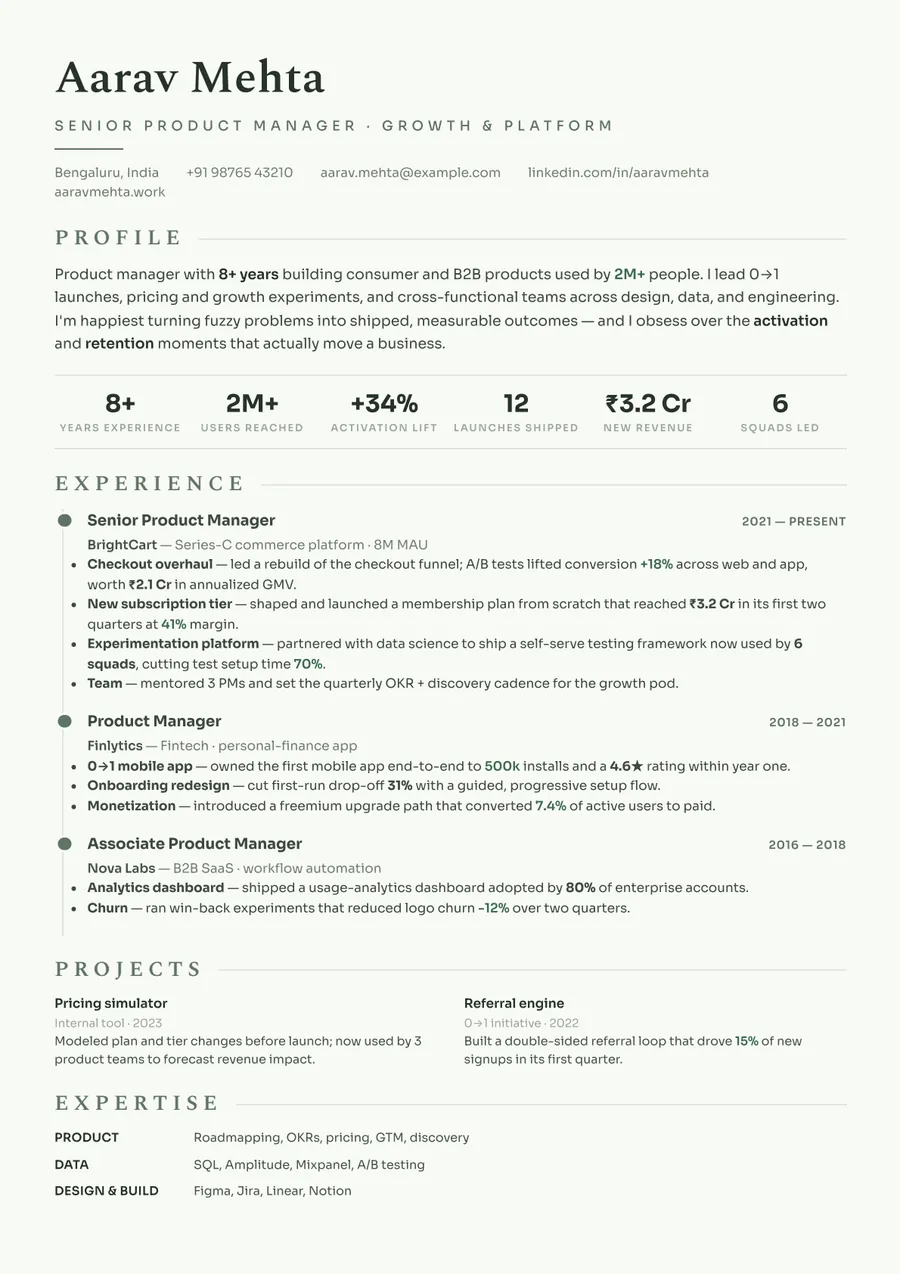
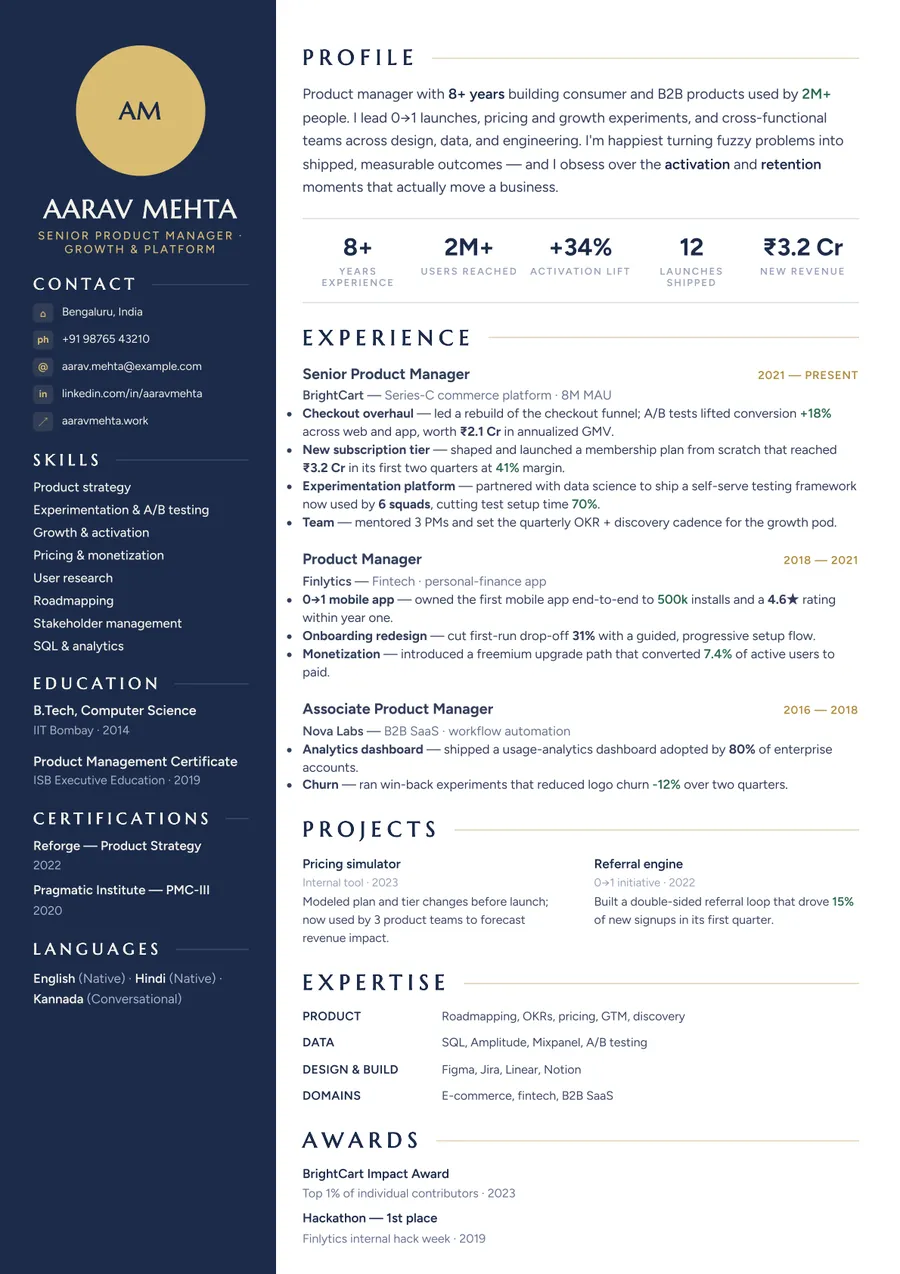
One résumé · 260 looks
Switch designs in one tap. Your words stay exactly where you left them; only the typography, color and layout change.
Scroll to restyle
20 themes × 13 layouts, each rendered from the same résumé so you can compare them side by side. Browse them all
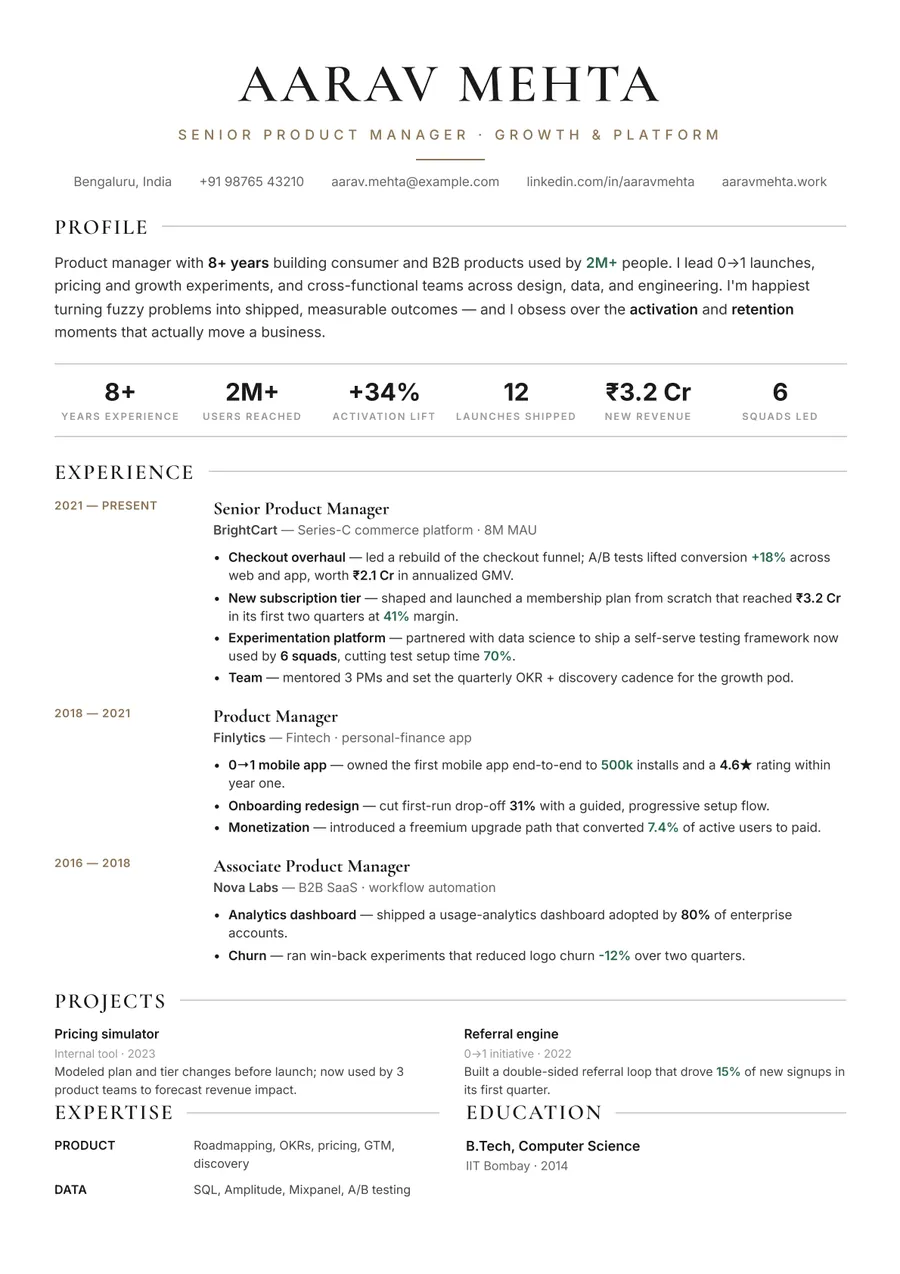
ATS check
Plenty of stylish templates space their headings so wide that parsing software reads “E X P E R I E N C E”. Every ResumeInk design goes through the same PDF text readers that parsers are built on.
Example result for the sample résumé.
InkScore
Paste a job description and InkScore checks your résumé in four parts: how cleanly software can read it, how strong the content is, how well it matches the job, and whether anything is missing.
The full report, with every fix listed, is a paid unlock.
Share link
Send a link instead of an attachment. The preview shows your real page 1, your phone number stays hidden, and you see every view.
All of this is free. A separate link for each company you apply to comes with Pro.
The editor
Your last 10 versions are kept, so you can step back any time.
Crop, zoom and position your photo for the layouts that show one.
Drag sections into the order that tells your story best.
Pick an accent and every heading and rule follows it.
AI drafts a letter that matches your résumé. Edit it, then save it as a PDF.
The whole editor works on a phone, down to the last bullet.
How it works
A PDF, a Word file or a photo of your résumé. ResumeInk reads it and lays out your content.
260 designs, all ATS-checked. Let AI tighten the wording, and try as many designs as you like.
Download the PDF for free, or send a link and see when it is opened.
PDF, Word or a photo · free, no card needed
ResumeInk is an AI-powered resume maker. Upload a PDF, Word file, or even a photo of your resume — it is parsed and rebuilt into a clean, ATS-friendly, recruiter-ready resume you can edit and download.
Every design uses clean, parseable structure so applicant tracking systems can read your experience. Browse the resume templates and apply any of them to your own content.
Reword bullet points, reorder sections, and highlight metrics in a live editor, then export a polished PDF.
Upload a PDF, a DOCX, or a PNG/JPG photo of an existing resume — ResumeInk reads it and rebuilds the layout for you.
Explore the AI resume builder, build an ATS-friendly resume, or — new to the job market — try the resume builder for freshers. Making one from scratch? Use the free resume builder, the free resume maker, or the free CV maker. Or browse all resume templates.
As a Technical Recruiter, I review hundreds of resumes every month, and ResumeInk genuinely stands out. It converts existing resumes into clean, ATS-friendly, and professionally…
This application is really easy to use. I have transformed my resume using this platform and got a sudden hike in recruiter's calls from naukri. Here you can modify and update your…
Really appreciate the effort you've put into building this platform. It's a great initiative and has the potential to help thousands of job seekers. Keep up the fantastic work—looking…
Yes. Uploading your resume, AI parsing, editing, live preview, and downloading the final, watermark-free PDF are all free, and you can re-download or keep editing that resume later.
Yes. The layouts use clean, parseable structure so applicant tracking systems can read your experience and skills.
A PDF, a Word document (DOCX), or a photo (PNG or JPG) of your resume, up to 20 MB.
No. You can upload, rebuild, edit, and preview your resume without signing in. You only sign in, with Google or a one-time code sent to your phone, when you download the final PDF.
Yes. Edit any section, reorder items, and highlight metrics, then export a clean PDF.
We'll send a one-time code by SMS. Your resume stays linked to this number.
You signed in with your phone last time — use it to keep your saved résumés.
This device was last used with a different ResumeInk account — most likely the one you created with your phone number. Your saved résumés are on that account.
By continuing you agree to our Terms and Privacy Policy.
Tap ✕ to close — you'd have to confirm it's you again.