Free Resume Maker
A resume maker should get you from nothing — or from an out-of-date file — to a clean, well-organised resume quickly. ResumeInk's free resume maker gives you 100+ professionally designed, ATS-friendly layouts, a live editor, and AI that rebuilds an old resume for you. Previewing and downloading are both free.
The sections every resume needs
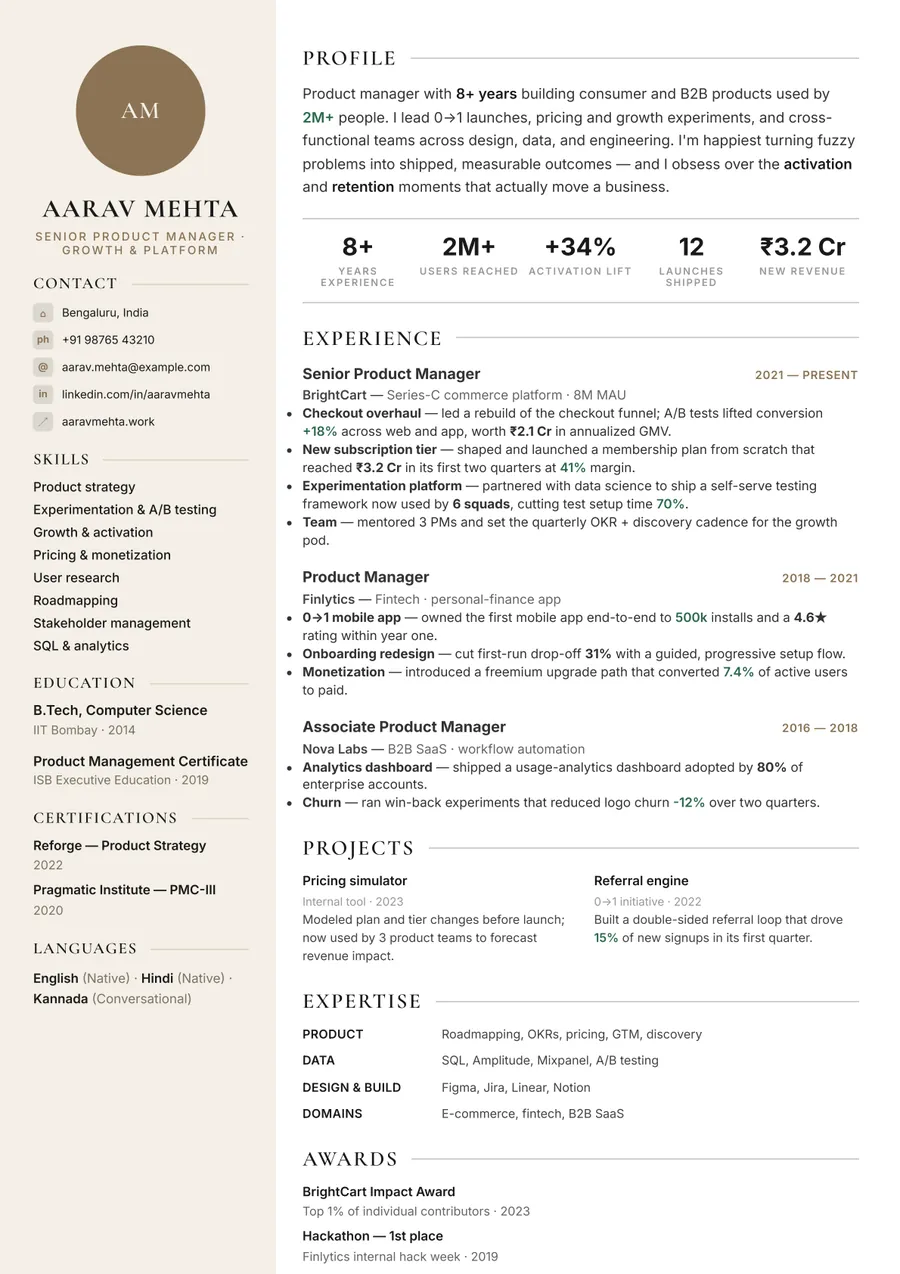
- Contact details — name, phone, email, city, and a LinkedIn or portfolio link.
- Summary — two or three lines on who you are and what you're aiming for.
- Experience — most recent first: title, company, dates, and three to five bullet points each, led by what you achieved.
- Education — degree, institution, and year; add your score if you're early in your career.
- Skills — the tools and abilities the job asks for, grouped so they're easy to scan.
- Extras that earn their place — projects, certifications, languages, or awards.
Make a resume in minutes
- Start — upload an existing resume (PDF, DOCX, or a photo), or open the sample resume and replace its content with yours.
- Fill in and edit — rewrite any line, add or remove sections, and reorder them.
- Choose a look — switch templates, fonts, and colours; your content moves with you.
- Check the length — one page for most early-career resumes, two once you have real depth.
- Download your PDF.
Resume format tips
- Use reverse-chronological order — recruiters and ATS both expect your latest role first.
- Keep body text at a readable size and margins generous; white space makes a resume faster to scan.
- Start bullet points with a strong verb and end them with a result or a number where you have one.
- Stay consistent: one date format, one bullet style, one way of writing job titles.
- Name the file clearly, e.g. Firstname_Lastname_Resume.pdf.
Why not just use Word or Google Docs?
You can — but a word processor makes you do the design work, and one stray table or text box can scramble what an ATS reads. A resume maker keeps spacing and alignment consistent, lets you try a new design in one click without retyping, and produces a clean, text-based PDF every time.
Premium, ATS-friendly templates
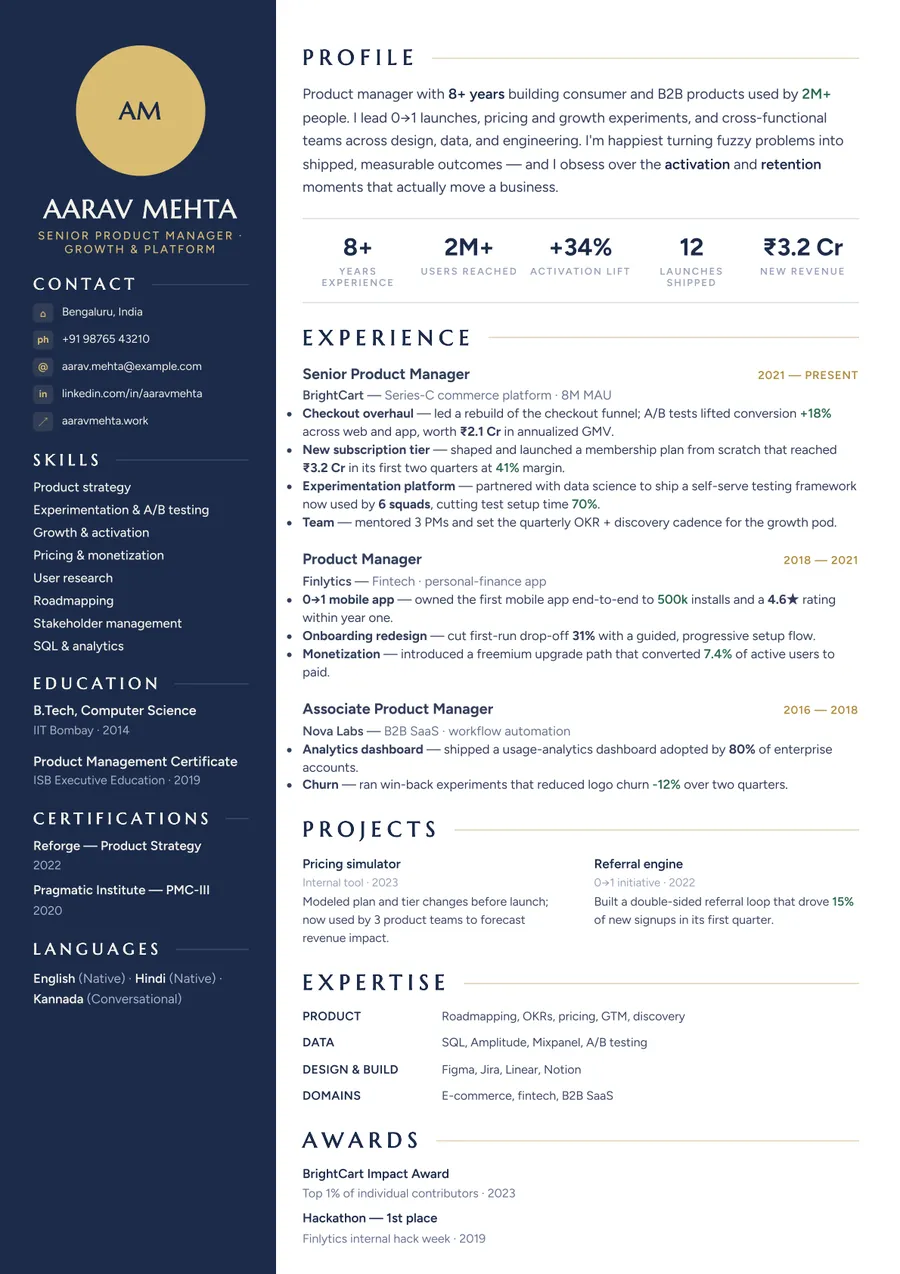
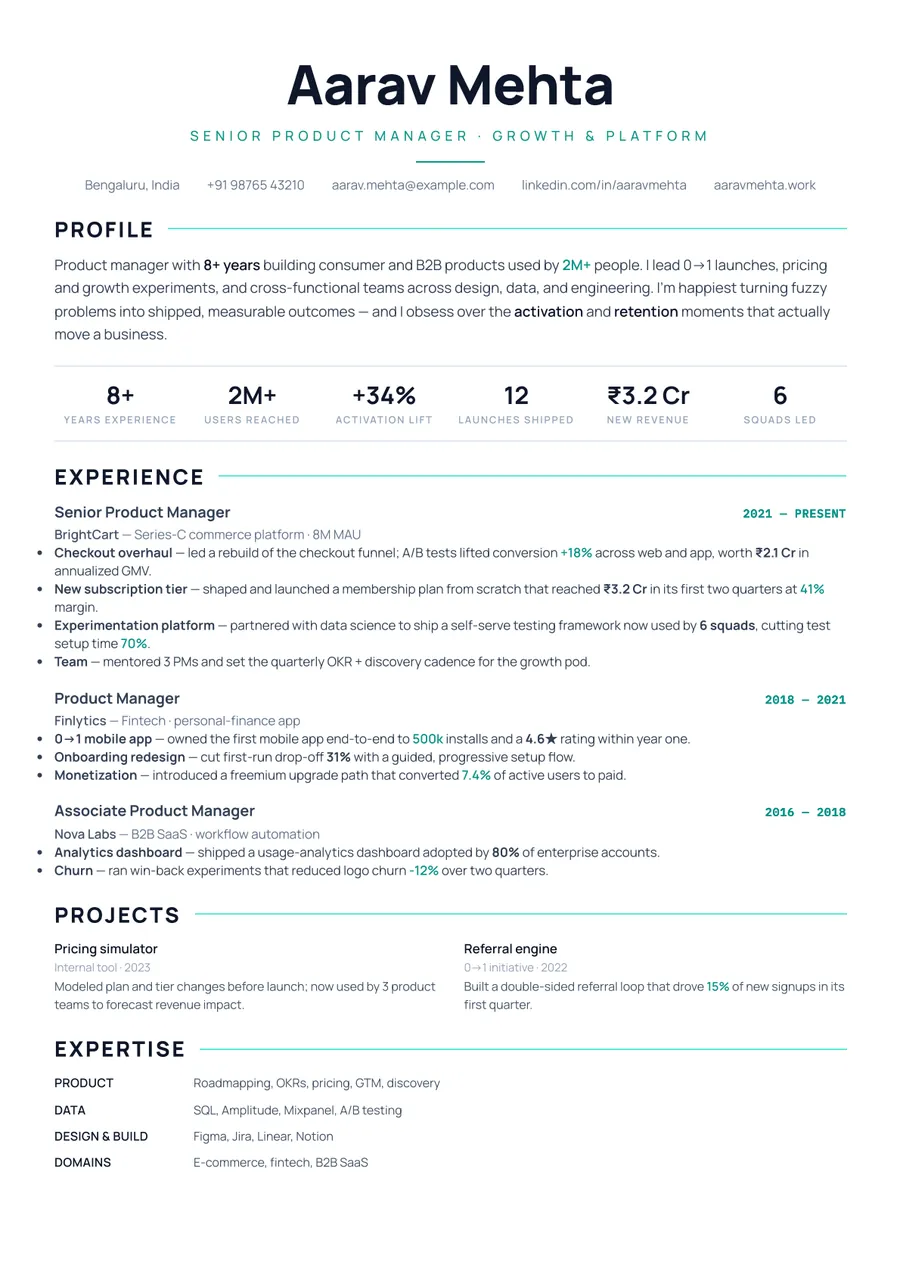
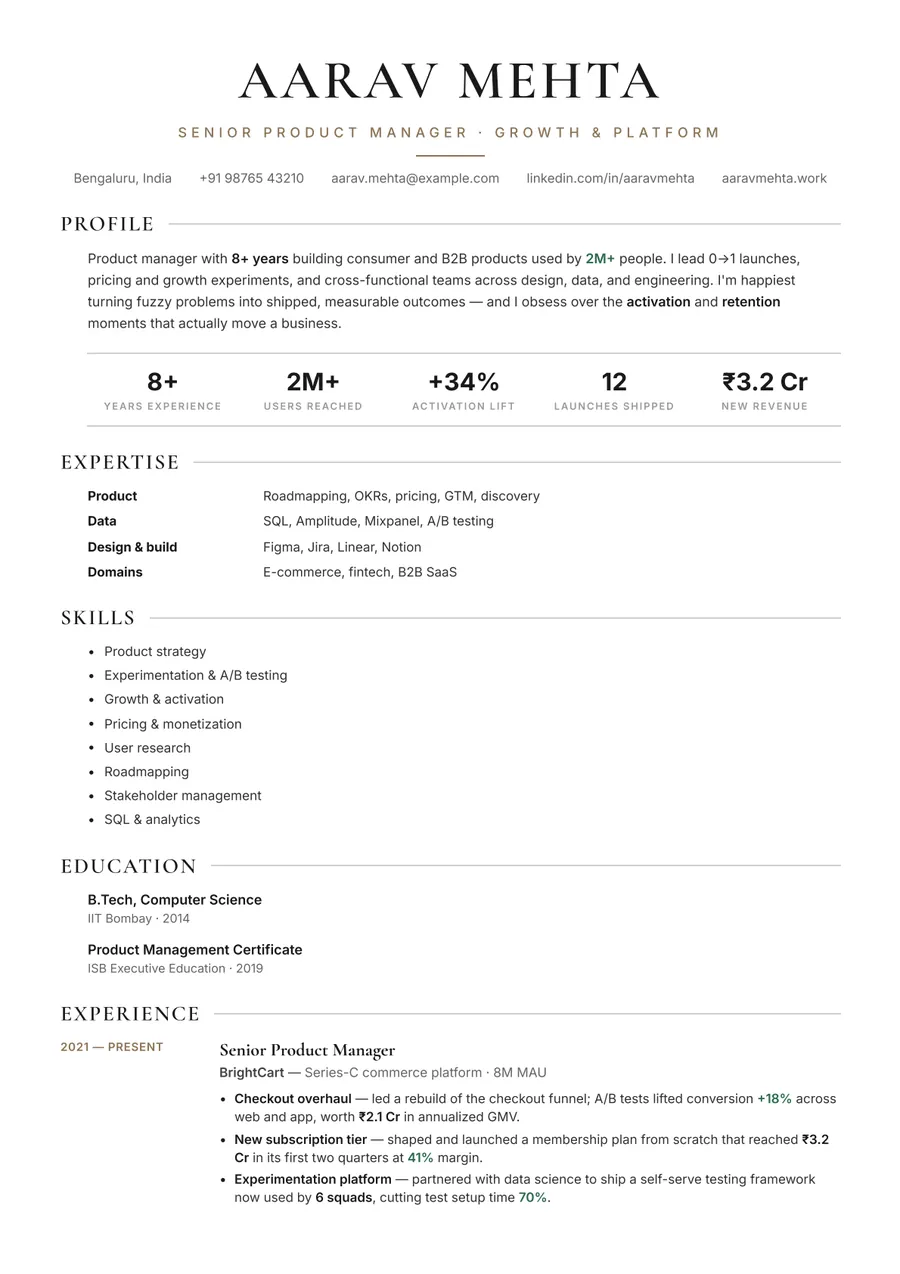

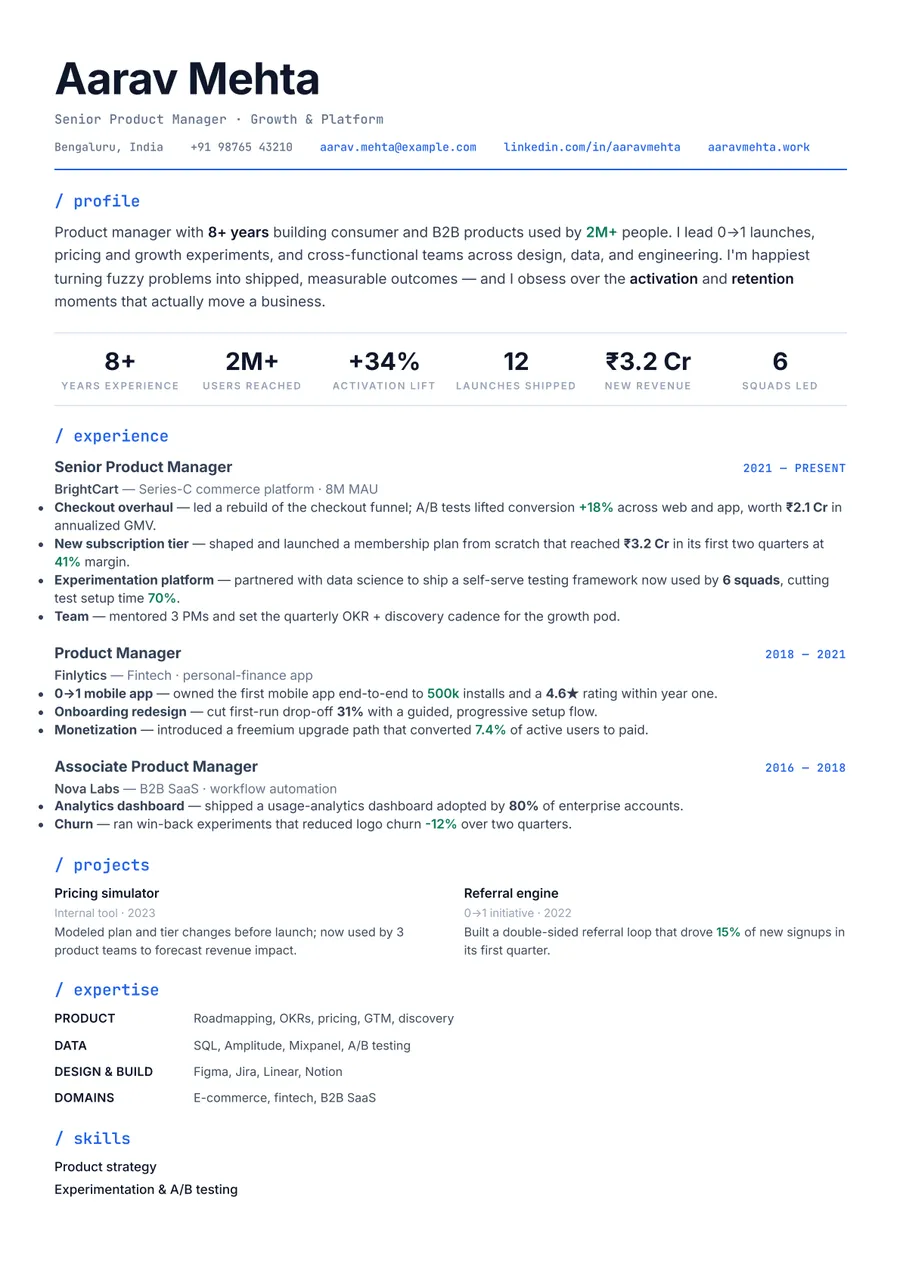
Build your resume in minutes
Upload your current resume, edit anything, then preview and download it free.
Upload your resumeFrequently asked questions
Is this resume maker free?
Making, editing, and previewing your resume are free. Downloading the final, watermark-free, ATS-friendly PDF is free too.
Can I make a resume from scratch?
Yes. Open the sample resume and replace its content with your own, or upload an old resume and let the AI rebuild it into the design you choose.
What file does the resume maker produce?
A text-based A4 PDF that applicant tracking systems can read and recruiters can open anywhere.
Can I make more than one resume?
Yes — create as many as you like, and tailor each one for a different job.