Free Resume Builder
ResumeInk is a free resume builder for making a professional, ATS-friendly resume without starting from a blank page. Upload the resume you already have — a PDF, a Word file, or even a photo — or start from a ready-made design, then edit every line in a live editor. Previewing, editing, and downloading the final PDF are all free.
What's free in ResumeInk
- Build — upload a PDF, Word (DOCX), or photo of your resume, and AI rebuilds it into a clean, ATS-friendly layout. Or start from the sample resume and replace it with your own.
- Edit — change any line, reorder sections, and switch between 100+ designs, fonts, and accent colours, with a live preview.
- AI writing help — free accounts get a few AI suggestions a day to tighten bullet points and summaries.
- Download — the final, watermark-free PDF is free too: the free download code is applied for you at checkout, no card needed, and you can edit and re-download it any time.
How to make a resume for free
- Start — upload your current resume, or open the sample and make it yours.
- Let AI rebuild it — your experience, education, and skills are laid out in a clean, parseable design.
- Edit & pick a design — fix any wording, reorder sections, and try different templates until it fits on one or two pages.
- Download — sign in with Google or your phone number and download the final PDF free.
What to look for in a free resume builder
Plenty of builders call themselves free and then hide the result behind a paywall or a watermark. Before you spend an evening on one, check that it gives you:
- An ATS-friendly result — real, selectable text in a layout that reads top to bottom, so applicant tracking systems can parse it.
- A clean PDF — no watermark or logo stamped on the file you send to employers.
- A resume you can keep editing — tailoring it for the next job shouldn't mean starting again.
- Honest pricing — building, previewing, and downloading are all free, with nothing to pay unless you choose Pro.
Free, and what Pro adds
Everything above is part of the free resume builder. An optional Pro plan is for people who want more AI help: a larger daily allowance of AI suggestions, and Ask ResumeInk, which makes the changes you describe across your whole resume. You never need Pro to build or download a resume.
Premium, ATS-friendly templates
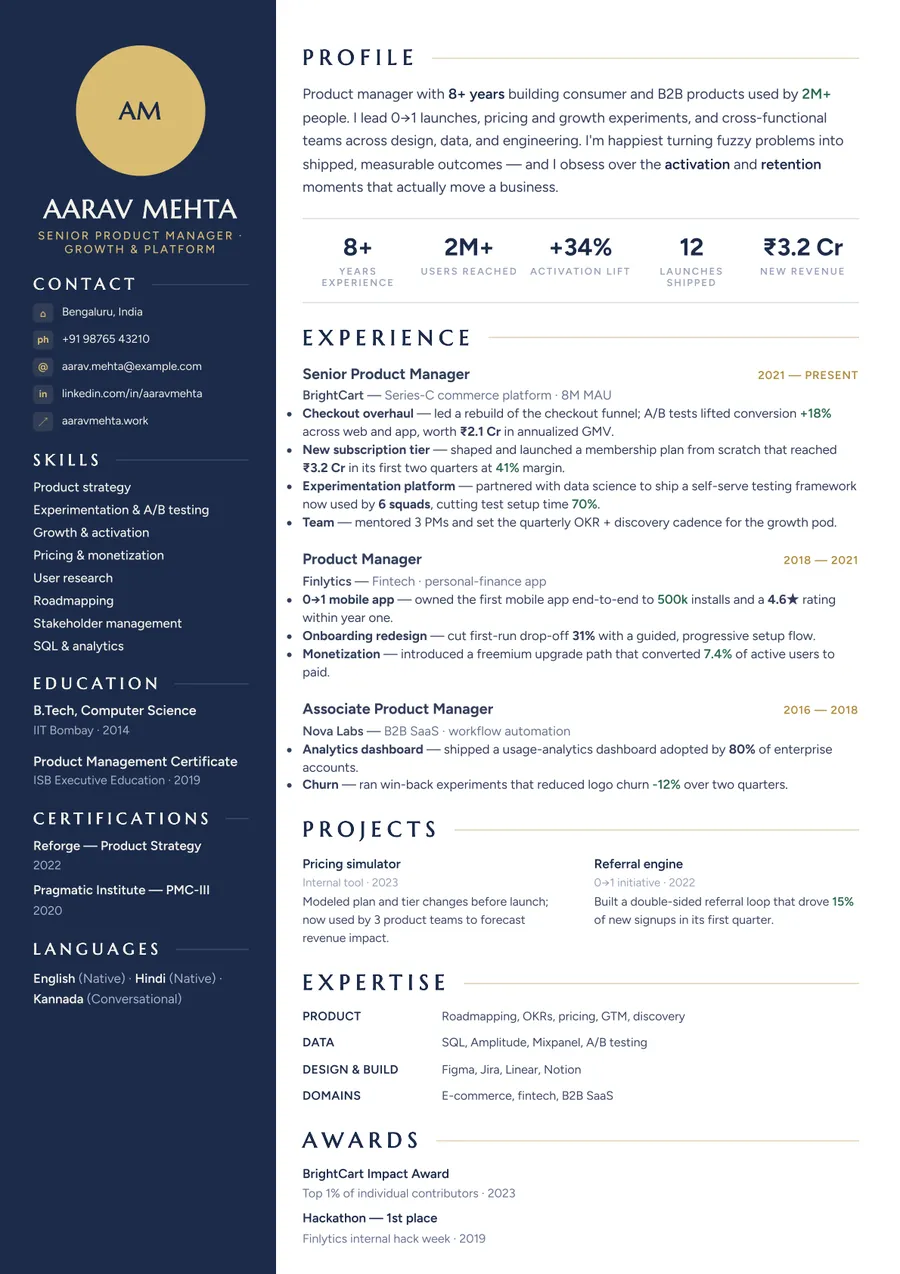
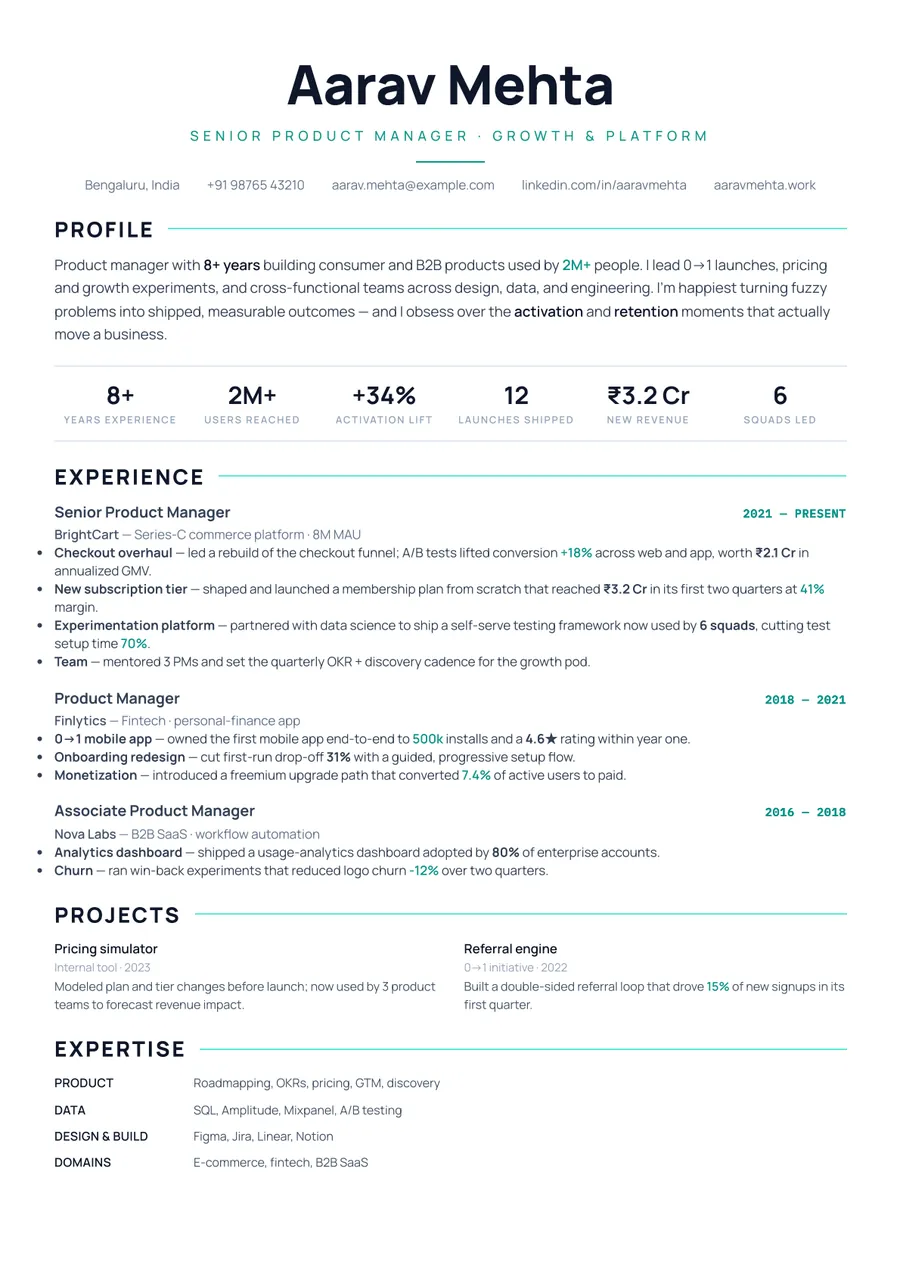
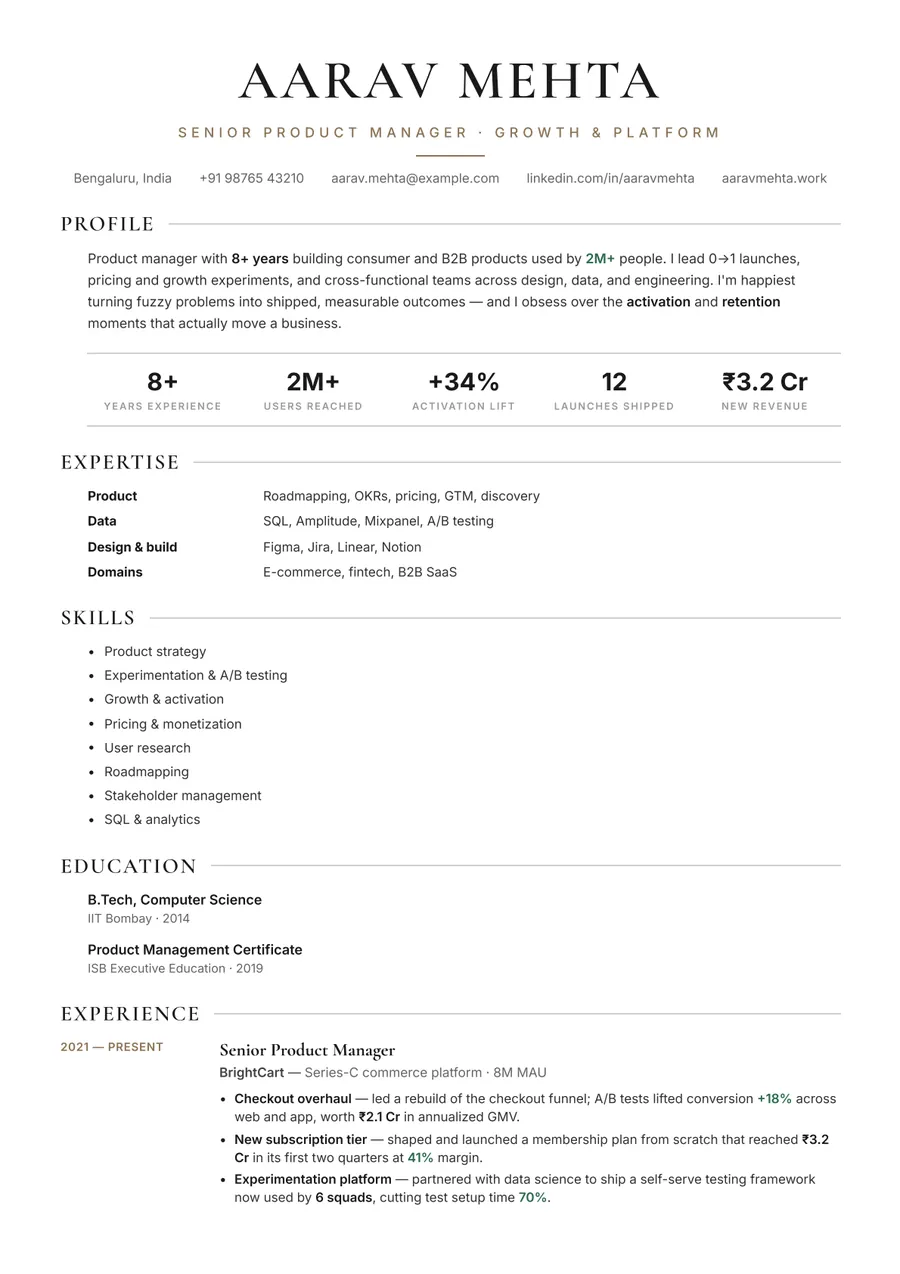

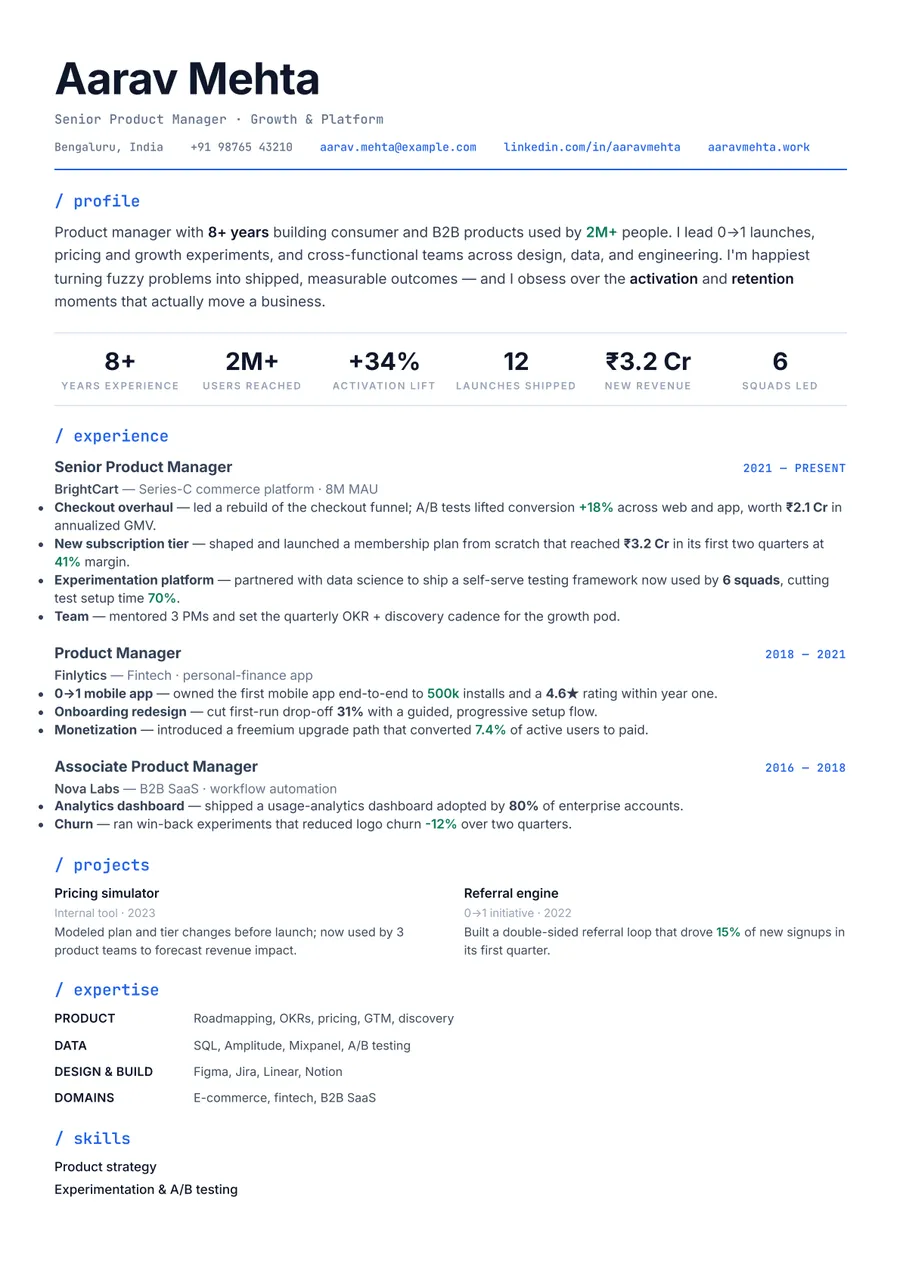
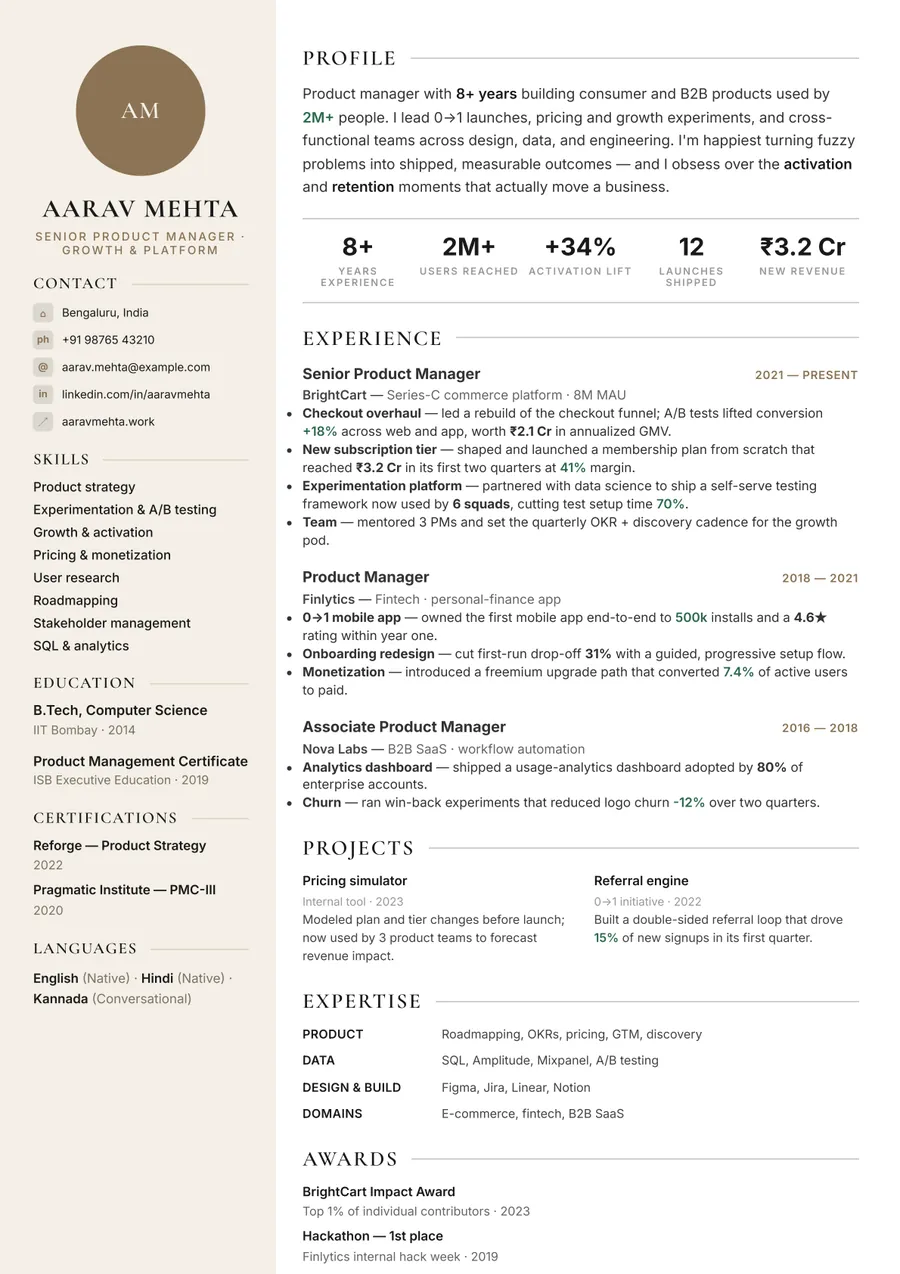
Build your resume in minutes
Upload your current resume, edit anything, then preview and download it free.
Upload your resumeFrequently asked questions
Is ResumeInk really free?
Building, editing, and previewing are free. Downloading the final, watermark-free PDF is free too.
Do I need a credit card?
No. Building, previewing, and downloading never ask for a card — you only sign in, with Google or a one-time code sent to your phone, to download.
Do I need to sign up?
You can upload, rebuild, edit, and preview without signing in. You sign in, with Google or a one-time code sent to your phone, when you download the final PDF.
Is there a watermark?
Your live preview shows a light PREVIEW watermark. The PDF you download is clean, with no watermark.
Can I edit my resume after downloading it?
Yes. Keep editing and download it again whenever you like — re-downloading the same resume never costs anything.
Is the resume ATS-friendly?
Yes. Every design uses real text in a clean, parseable structure that applicant tracking systems can read.